


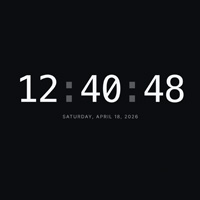

What is the Countdown Timer?
A distraction-free fullscreen countdown. Type a duration, hit start, and the number ticks down in digits you can read across the room. The display flashes red when there are ten seconds or less remaining.
How to use it
- Enter minutes and seconds, or pick a preset chip (1 / 5 / 10 / 15 / 25 minutes).
- Press Start. Use Pause to freeze the current time or Reset to go back to your input values.
- Click Fullscreen to make the timer fill the monitor.
When a fullscreen countdown is useful
Workouts & interval training
Mount a phone or tablet on the wall and let it count down the interval. No app installs, no subscriptions, no noise — just a clean number you can see from the other end of the room.
Classrooms & exams
Project the countdown on the classroom TV so every student sees the same remaining time. Clearer than a wall clock and easier than a spreadsheet timer.
Kitchen & cooking
Wash your hands, dry them, and your timer is still there, fullscreen, across the kitchen. Useful for multitasking when your phone is elsewhere.
Live events & presentations
Speakers can use it as a speaker-timer. Conference organisers can put it on side monitors during breaks so attendees know exactly when the next session starts.